

Most website chats pretend to know everything. Why a chat that narrows its promise delivers more, and why it is switched off by default on a phone.
Most chat windows on a website act as if they know everything. You type a question about a price, and you get a friendly answer that rests on nothing.
That is worse than no chat. A visitor who gets it wrong because of your chat window comes back with a screenshot, and then you are explaining an answer you never gave.
Start by narrowing it
The first thing in the opening line is what it is good at: availability, prices and the options of a destination. Other questions it handles less well, and those it passes to the team.
That reads as a limitation and works as a promise. A visitor who knows what the window is for asks the question the window can answer. A window that pretends there is no boundary gets the questions it breaks on.
Memory is the real gain
The biggest irritation with chats like this is not a wrong answer. It is having to start over.
So the state of the conversation travels with every question: which destination, which type of stay, when, for how many people. The chat does not ask for the third time whether you mean a midweek or a weekend. And "and in May 2027?" refers to that same destination and the same type of stay.
One rule keeps that workable: whatever the visitor types or clicks last wins. No clever inference is allowed to override it, because then the conversation is about something other than the visitor thinks.
Peeling instead of an empty box
An empty input box is a blocker for a lot of people. They know what they want, but not how to phrase it.
So there is a "help me choose" button beside it that asks one thing at a time: where, when, what type of stay, how many people. Whatever is already known is skipped. At the end the available options are on screen, with the price for exactly that party, and a button to start again.
This is not AI. This is a form disguised as a conversation, and it answers most questions without a single model being involved.
Looking further ahead than the calendar is open
People book further ahead than you think. A question about May 2027 is normal, and that kind of question used to go wrong: the chat returned the next available dates and ignored the month in the question.
Now it asks when first, shows only the arrivals within that month, and lets you step forward month by month. And if the calendar for that month is not open at all yet, it says up to when bookings can be made. That is a different answer from "nothing available", and it is the difference between a lost enquiry and a visitor who understands how it works.
The hybrid route
A typed question the fixed route does not recognise goes to the model. But not in the usual way.
The instruction contains facts only: the destination with its characteristics, the options with their prices, the stays that are genuinely bookable for the state of the conversation, worked out by the same check the booking form uses, plus the best matching paragraphs from your own website. Alongside it sits the instruction to say so when the answer is not in there.
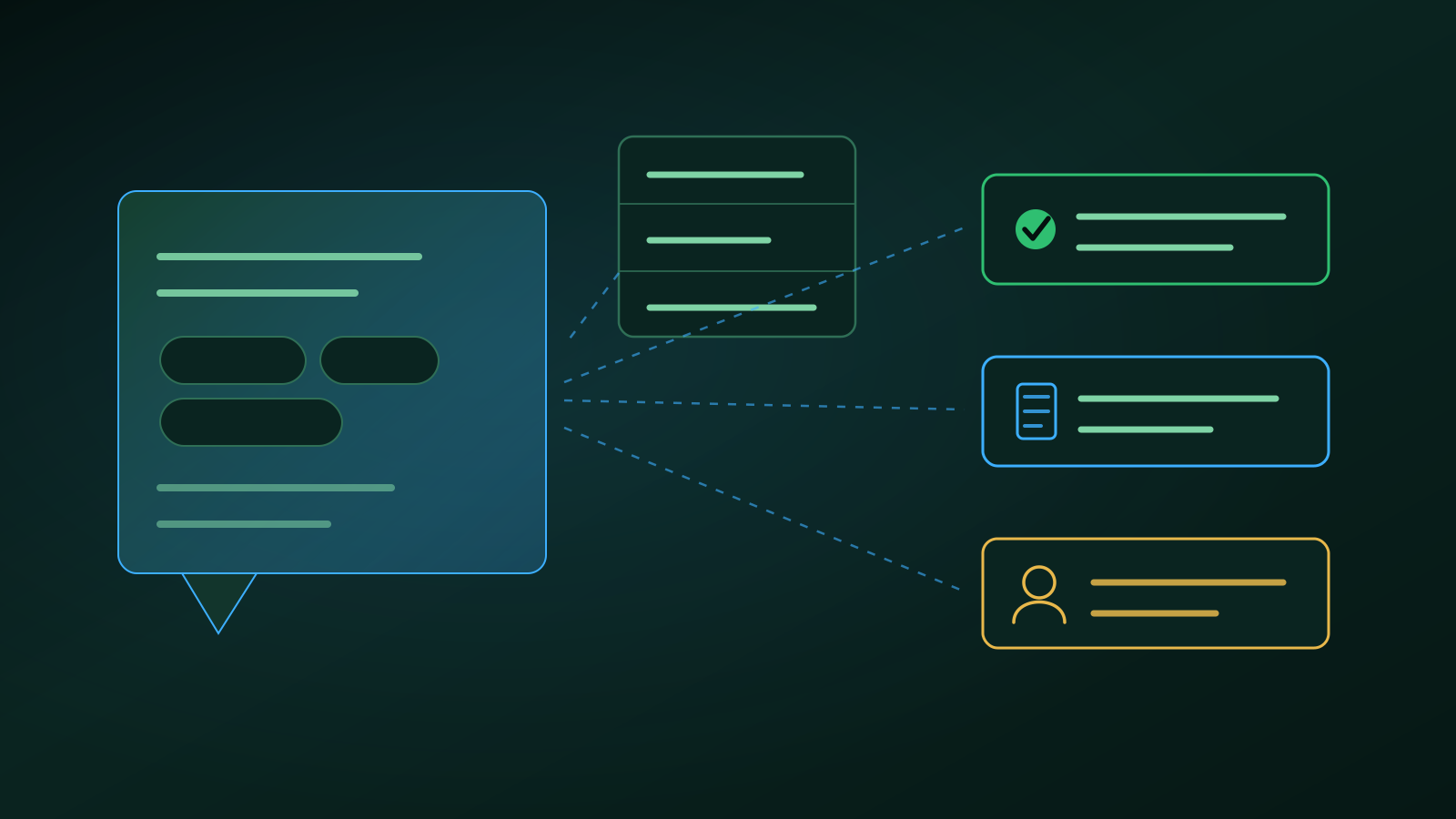
That leaves three outcomes: an answer that follows from those facts, a literal paragraph from your site, or a hand-over to the team. Inventing is not an outcome.
And there is one engine, fixed in the settings, never chosen by the request itself. Without an engine the chat works as it did before: less clever, equally reliable.
One rule beats a list of names
An example from practice that shows how you keep a thing like this maintainable. The destination picker listed three places a visitor should never have seen: a test environment and two locations that were already offline.
The quick fix is to exclude those three names. The right fix is a rule: the list follows the same visibility as the rest of the site, so archived or set to inactive means not in the chat. All three reported cases fell under that, and nothing was maintained that will be out of date again in six months.
The brake against bots
An AI chat is an open tap to a service you pay for per question. That needs shielding, and one lock is not enough.
The AI only acts from a window that has genuinely been opened. On top of that sits a maximum per session, a maximum per hour per address, and a maximum per day for the whole site. The question cannot be endlessly long and the history sent along is capped. Anyone over the limit gets a polite notice with the referral block attached.
All outcomes are logged, without the visitor's text. You want to know how often the brake engaged, not what somebody typed.
Why it is switched off on a phone
This is the choice I thought about longest. On a phone every square centimetre is taken, and the bar at the bottom holds the price and the button that earns you money.
A round chat button asking for attention next to it costs you a tap on that button. So it is off, with a toggle in the top bar to switch it on, and their browser remembers that setting. On a desktop it simply sits in the bottom right.
A chat that everyone sees and nobody uses is more expensive than a chat you have to switch on.
Read also
- AI that reads your own website first, and only then answers the customer, the same principle in your inbox
- An FAQ that genuinely helps customers, and that AI chats can read, the source a chat like this reads from
- View all completed projects, web platforms and automation solutions
Bert
Frequently Asked Questions
- What happens when the chat does not know the answer?
- It hands over. There are three outcomes and no more: an answer that follows from the facts it was given, a literal paragraph from your own website, or a referral to the team with the question attached. The model is explicitly instructed to say when the answer is not in there. Inventing is not a fourth outcome, and that is the most important property of the whole thing.
- How do you stop a bot from running up your AI bill?
- With layers rather than one lock. The AI only acts from a window that has genuinely been opened, and on top of that there is a maximum per session, per hour per address and per day for the whole site. The question has a maximum length and the history sent along is capped. Anyone over the limit gets a friendly notice with the referral block, and the outcome is logged without the visitor's text.
- Should a chat like this be on by default on a phone?
- We switched it off. Space is scarce on a phone, and a round chat button competes with the button that earns you money. The visitor switches it on with a toggle in the top bar, and that setting is remembered in their browser. On a desktop it simply sits in the bottom right, because there it costs nobody a tap.