

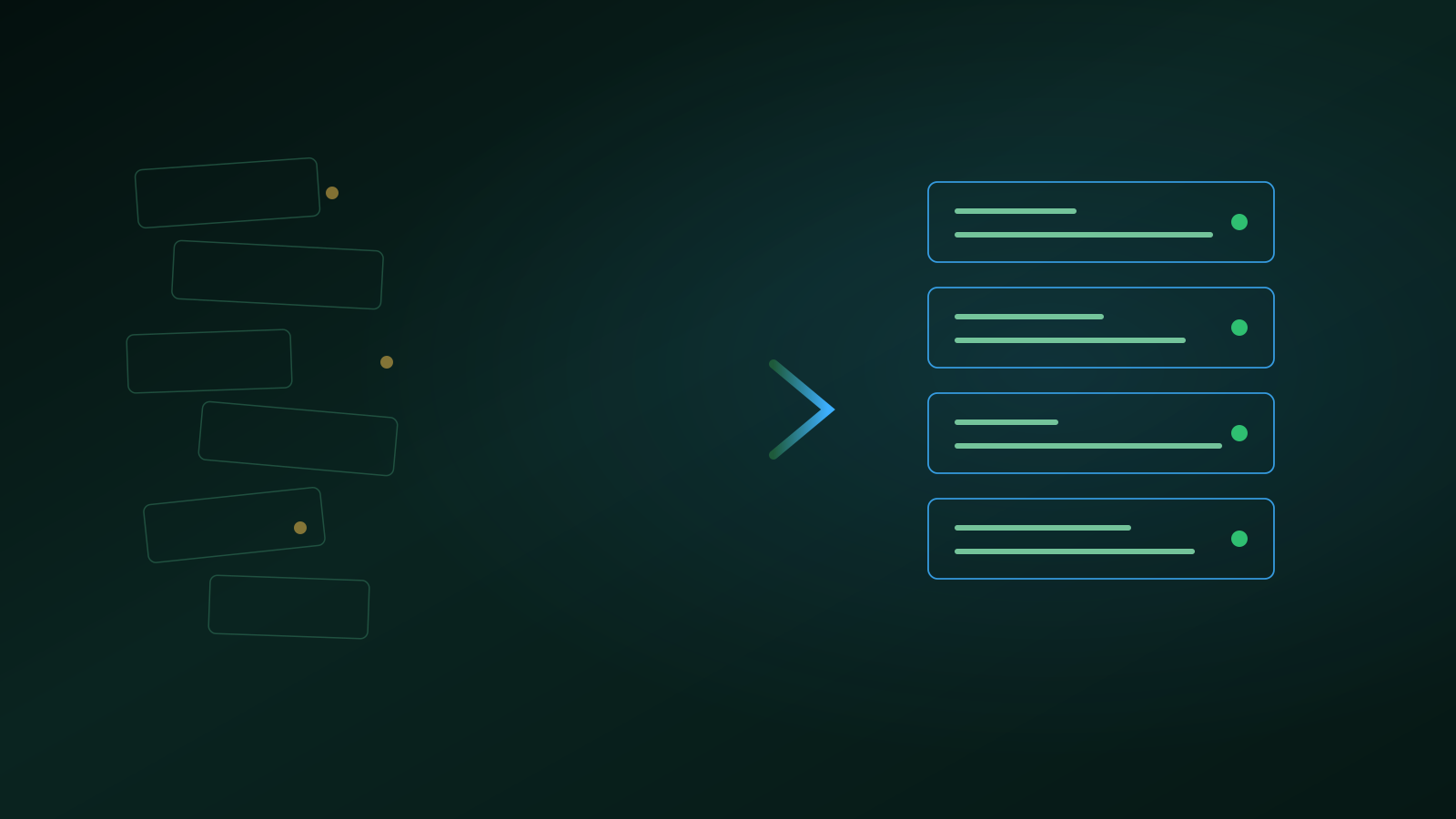
A complete multilingual WordPress website converted to a flat-file CMS: faster, safer and without losing visibility. This is how to approach such a switch.
For many businesses WordPress has been the obvious choice. Rightly so: you get started quickly and there is a plugin for everything. But I speak to more and more business owners who want to move away from their WordPress site. Recently I carried out such a switch in full: a multilingual website with hundreds of pages, a blog, an FAQ and a web shop, converted to a flat-file CMS. Without losing visibility. In this article I share how that works.
Why businesses want to leave WordPress
The problem is rarely WordPress itself. The problem is the pile that grows on top of it. An average business site quickly runs twenty to forty plugins, and every plugin wants updates, can conflict with another one and is a possible entry point for attackers.
Then there is the technology under the hood. Every page view means dozens of database queries. That makes the site slow, and speed directly costs revenue. Caching plugins put a patch on that, but a patch remains a patch.
And then the maintenance: testing updates, checking backups, cleaning up hacked plugins. That work never feels finished, because it never is.
What a flat-file CMS does differently
A flat-file CMS stores content in files instead of in a database. Every page is a readable text file with the copy and its settings together. No database means: no queries, no database connection that can be hacked and no slow admin screens.
The resulting site is fast without tricks. There is simply almost nothing that takes time between the visitor's request and the page on screen. And because there is no plugin store attached, the only code on the server is code that is there on purpose.
To be fair: there is a flip side. If you are used to installing a plugin for every wish, it takes adjusting. Functionality is custom-built or does not exist. For a hobby site that is a drawback. For a business site it is exactly the strength: everything that is there does what it should.
The biggest worry: your visibility
Every business owner asks the same question: what happens to my Google rankings? The answer: nothing, if you execute the move properly. Rankings are tied to URLs, and URLs can be kept or redirected cleanly.
The approach in short:
- Inventory every URL, per language. Including the category pages, the tags and the old blog posts.
- Keep the structure where possible. An address that does not change does not need to be re-evaluated by Google.
- Redirect the rest with a 301. Every old URL that does change points permanently to its new location. Old variants of path segments stay recognised too.
- Bring the metadata along. Titles, descriptions and featured images move with the page.
- Get hreflang and the sitemap right from day one. On a multilingual site, hreflang tells Google which language versions belong together.
How the switch works in practice
The new site first runs on a temporary address next to the existing WordPress site. Visitors notice nothing; the old site simply stays online.
The import runs in phases: first the pages, then the blog posts with their categories and tags, then the photos and the shop. Large volumes go in chunks that keep running until everything is in, with a check per phase. Whatever cannot be handled automatically goes on a review list for a human.
Only once everything is correct does the swap happen: the new site moves to the main address and the old one stays reachable for a while to double-check things. No big bang, no weekend offline.
Where AI speeds up the work
Part of the migration work that used to take days is now done by AI in minutes. Meta titles and descriptions are written based on the full page as the visitor sees it. Photos automatically get a descriptive alt text, per language. Translations are filled in where they are missing, with a human check.
I will publish separate articles in the coming weeks about that AI-driven image library and about smart email handling, because there is something in it for every business.
Who this is for, and who it is not for
If your website is mainly a digital brochure you rarely touch, there is little reason to move. WordPress does its job fine in that case.
But is your website a channel where customers come in, where speed matters and where multilingualism or a web shop is part of the deal? Then it pays to look at the switch seriously. Maintenance drops, speed goes up and you know exactly what runs on your server again.
Read also
- New website, same approach: renewed online, our own site runs on the same principle
- How half a second of load time costs you 7% revenue, why speed is not a detail
- View all completed projects, web platforms and automation solutions
Bert
Frequently Asked Questions
- Will I lose my Google rankings when switching away from WordPress?
- Not if the migration is done properly. Every old URL must keep working or redirect to its new location with a 301, the meta titles and descriptions move along, and the sitemap and hreflang tags are correct from day one. Google then sees the switch as a renovation, not as a new website.
- What exactly is a flat-file CMS?
- A CMS that stores content in files instead of in a database. Every page is a readable text file. That makes the site faster, easier to secure and easier to maintain, because there is no database and no pile of plugins involved.
- Can my blog, web shop and multilingual pages come along?
- Yes. Pages, blog posts, categories, tags, photos and shop content are imported and checked in phases. The existing website simply stays online during the switch; only once everything is correct does the swap happen.