

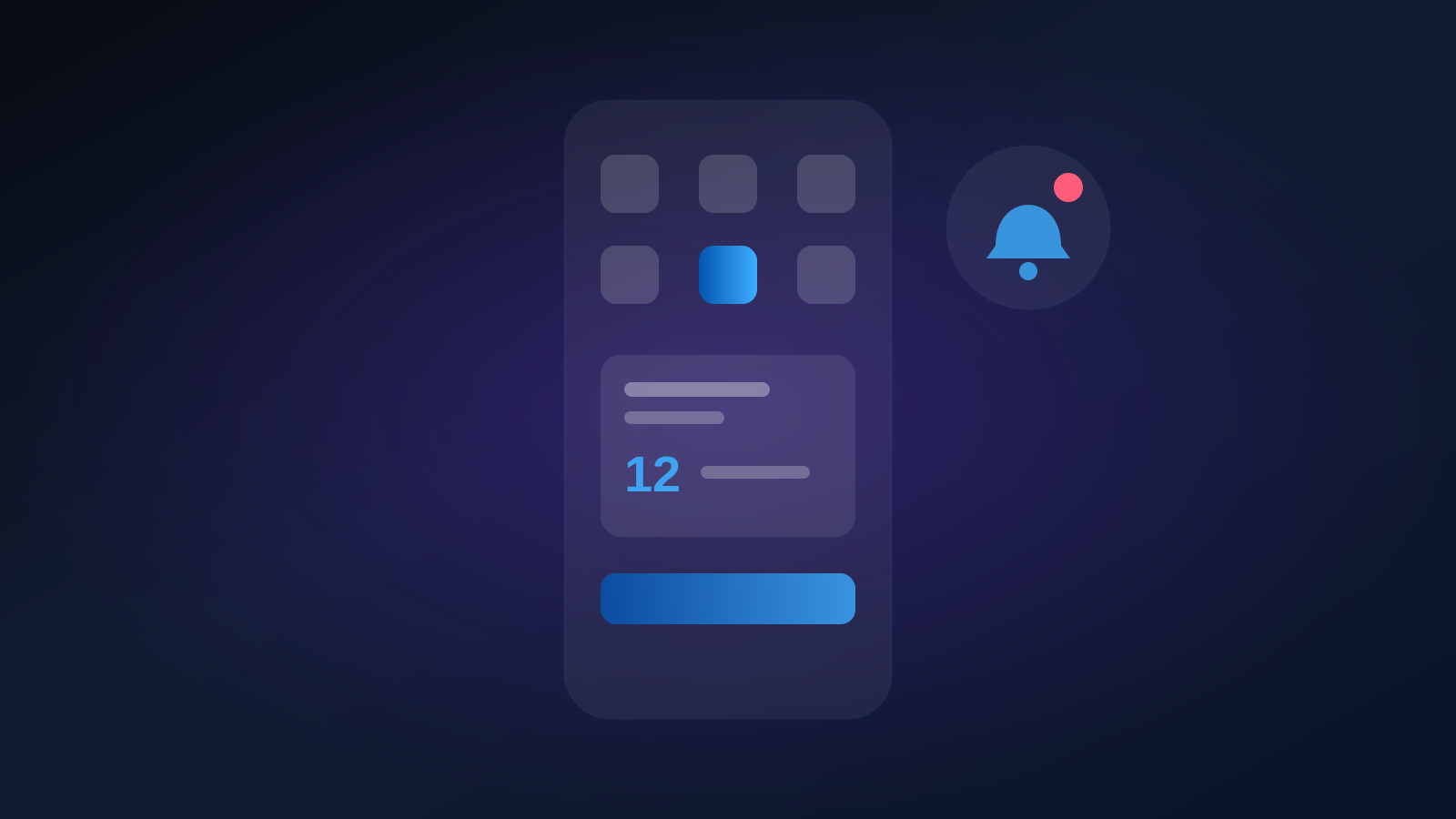
Not an app in the App Store, but a website that behaves like one: on the home screen, with the next trip, notifications and a catch log of its own. And what you give up for it.
On a booking platform the question came up: do we need an app? The honest answer was no. An app in the App Store and Google Play means two reviews, two codebases and updates you do not control yourself. So the website itself became the app.
What the visitor sees
On a phone, from the second visit onwards, a narrow bar appears at the top: add the site to your home screen. On Android with an Install button, on an iPhone with a short explanation via Share. The bar pushes the page down slightly and never covers the booking button. The cross hides it for thirty days.
After that the site opens full screen, with its own icon, in the visitor's language. The customer portal is part of it.
Three things that make the app useful
The next trip. At the top is the next confirmed booking: location, dates, a countdown, what is still to be paid with a button to do so, the route, the house rules, the arrival time and the invoice. Everything for the journey in one place.
A catch log. The guest reports a catch with species, weight and, if they like, a photo. They choose whether it may appear on the website, with first name or without a name. After the team approves it, the catch appears on the catch board of that location. The board shows only species, weight and first name, never a surname or the photo itself. A photo is rebuilt, so the location data is removed.
Notifications. In their profile the guest chooses which notifications they want, for instance for the remaining payment or for their catch on the board. The email always still comes.
What is deliberately left out
The service worker, the bit of code that makes a web app possible, stores nothing. No offline pages, no data on the device. That costs some speed on a poor connection, but a guest never sees an old price or outdated availability.
A notification itself contains no text either. The device receives an empty signal and then fetches the text from the server. That way no content passes through the servers of Google or Apple.
The limits
A web app is not a full store app. On an iPhone, notifications only work from iOS 16.4, and only if the guest added the site to their home screen. The code must come from the same domain as the page; if that fails, the browser refuses silently and no bar appears. The site itself keeps working.
For a booking platform that weighs little. Guests do not book every week. They do not need an app they have to update, but a place where their trip is ready.
What I take from this
When someone says "we need an app", first ask what that app has to do. Often the answer is: something on the home screen, an overview and a notification at the right moment. Your own website can do that too, with one codebase. I wrote earlier about searching and booking on a phone. Want to know whether a web app is enough for your business? Have a look at the contact page.
Frequently Asked Questions
- What is the difference between a web app and a store app?
- A web app is your own website that the visitor puts on their home screen. It opens full screen with its own icon. There is no store review, no separate code for Android and iPhone and no update the user has to install.
- Do push notifications work on an iPhone too?
- Yes, from iOS 16.4, but only once the user has added the site to their home screen. The profile says so itself.
- Is an email still sent when someone turns on notifications?
- Yes. A notification comes alongside the email, never instead of it. Someone without their phone at hand misses nothing.