

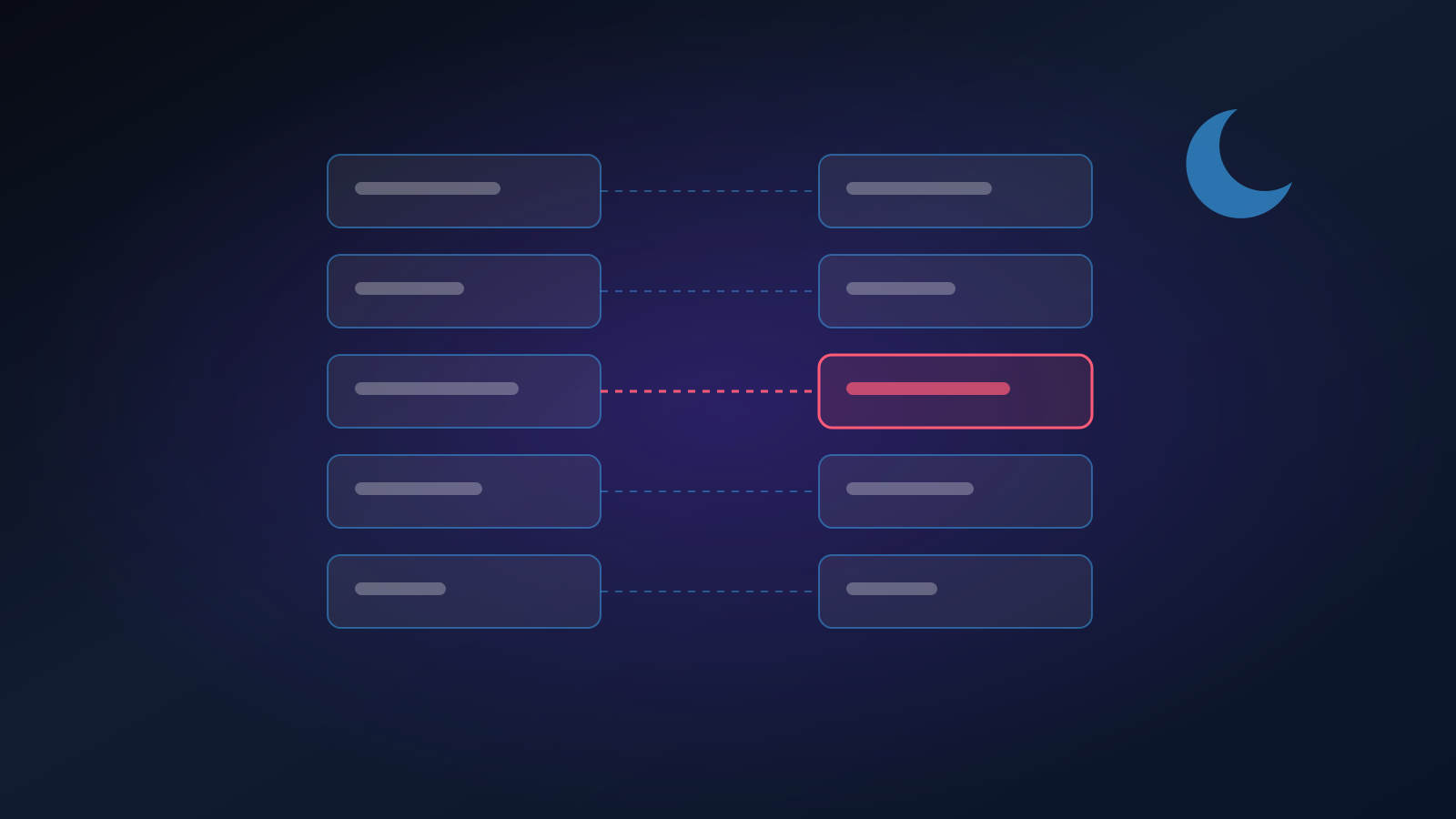
On a live site nobody edits code by hand. A file that differs anyway, or PHP in the upload folder, is therefore the first sign of a break-in. A nightly check finds it.
On the live site of a booking platform nobody edits code by hand. Every change goes through version control and a deployment. That sounds like a working agreement, but it also gives you a strong check: every code file that differs from what git knows is suspicious. And PHP in the upload folder is often the first sign of a break-in.
A fingerprint with every deployment
With every deployment the system writes out a list of fingerprints: the hash of every PHP, JavaScript, .htaccess and script file, as git knows it. That list is stored outside the web root, so an attacker cannot change it through the website.
Every night a check recalculates those hashes on the files that are actually there. It also searches the upload folder and the image library for PHP files. No PHP belongs there, except an empty guard file that closes off the folder. That one does not count.
No false alarms
A check that raises the alarm too often is one you start to ignore. So there are two rules. If the list still belongs to the previous deployment, the check compares nothing; otherwise every new deployment would trigger a warning. And the guard file in an upload folder is recognised, so it does not show up as suspicious every night.
After a find, a person decides
Each file found gets buttons, for administrators only and always with a confirmation:
- Restore from git. The differing version is first saved in a quarantine folder, then the version from version control comes back.
- Quarantine. For PHP in the upload folder: the file goes to a shielded folder with restricted permissions, and can be brought back.
- Check now. After a repair, check again straight away, without waiting for the next night.
Also what does not belong
Besides changed files, there are files that should never have been there, for example a leftover from a manual job on the server. After every deployment the system checks the web root. Anything not in git and not deliberately excluded goes to quarantine, with a register of the old path, the new path, the size and the owner. Moved, never deleted.
What I take from this
Version control is more than a history of your code. As long as nobody works on the live site by hand, git is also the measure of what should be there. Compare your site with it every night, report only what really differs and let a person decide. More on how this platform is guarded is in from building to securing. Want this for your own site? Have a look at the contact page.
Frequently Asked Questions
- What is a web shell?
- A small PHP file an attacker places on your server, often through an upload form, to send it commands later. It does not stand out among the normal files, but it is not in your version control.
- Does the check restore a differing file automatically?
- No. It reports it. Restoring or quarantining only happens after an administrator clicks, with a confirmation. A difference can also be a deliberate emergency fix.
- Is anything ever deleted?
- No. A changed file is saved first before the version from version control comes back, and stray files go to quarantine with a register of where they were. Throwing things away stays a human decision.